Colabox L2 Plus Review: A Full Android 14 Streaming Box With 64GB Built In
The Colabox L2 Plus brings Android 14, 4K HDR10+ playback, and 64GB of storage to your main TV without a monthly device fee.

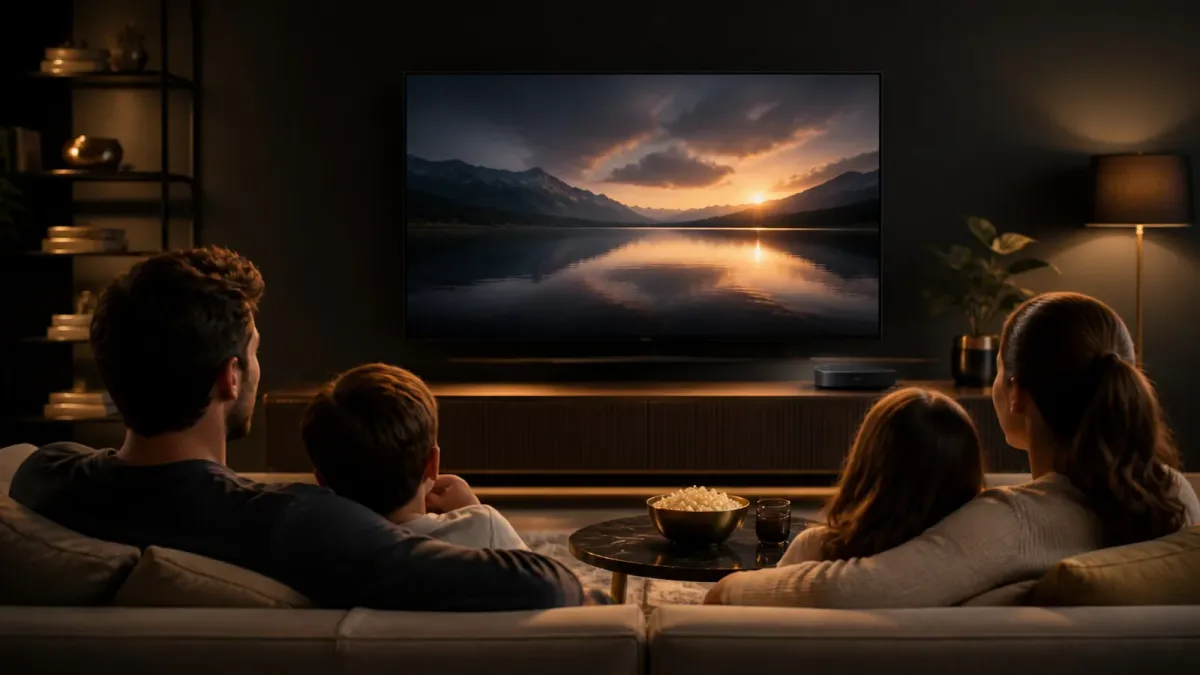
Most streaming sticks ask you to trade storage and horsepower for a small form factor. The Colabox L2 Plus takes the opposite approach: a compact box running Android 14 with 4GB RAM, 64GB of internal storage, and a Gigabit Ethernet port, aimed at anyone who wants a proper main-TV setup without paying a monthly device subscription.
Colabox L2 Plus — At a Glance
What We Liked
- Android 14 with full Google Play Store access
- 4GB RAM and 64GB storage, expandable via TF card
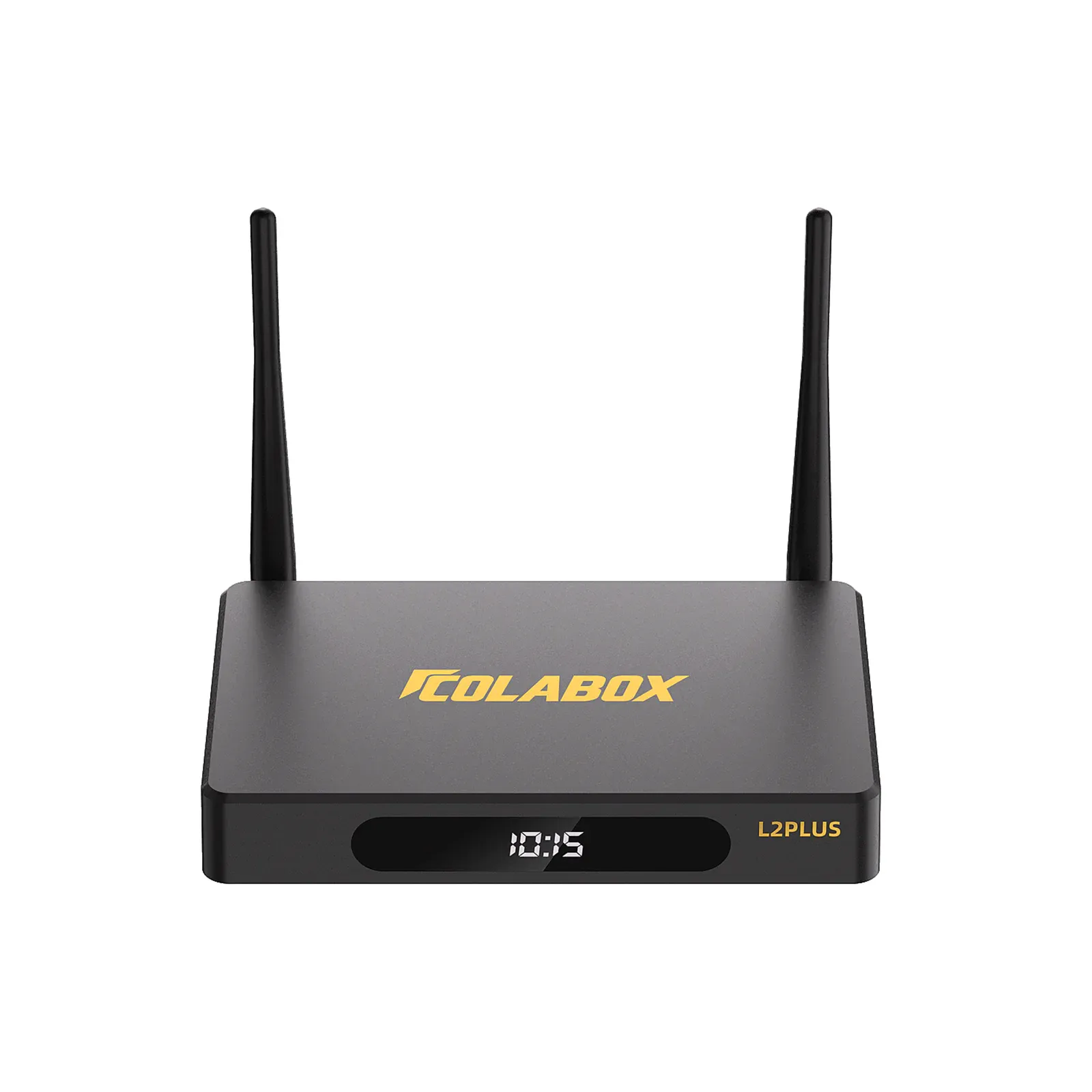
- Gigabit Ethernet plus dual-band Wi-Fi 5 with external antennas
- 4K HDR10+ at 60fps with H.265 hardware decoding
What Could Be Better
- One unit connects to one TV at a time, so a second screen needs its own box
- 4K playback requires a compatible display, app, and a 25 Mbps or faster connection
What You Actually Get With Android 14
Running a full build of Android 14 rather than a stripped-down fork is the single biggest differentiator here. You get the complete Google Play Store, which means any app you already use on your phone — streaming services, sports apps, news, international content — installs the same way. There is no curated app shelf to work around and no sideloading gymnastics required for mainstream services.
The operating system also handles OTA updates automatically over Wi-Fi (per COLABOX's FAQ), so the software stays current without manual intervention. That matters more than it sounds: Android TV boxes that stop receiving updates tend to develop app compatibility issues within a year or two, and knowing the L2 Plus is on a current platform gives it a longer useful life than many budget alternatives.
Performance and Storage
The L2 Plus pairs a quad-core ARM Cortex A55 processor with a Mali450 GPU, 4GB of RAM, and 64GB of internal storage. That storage figure is genuinely generous for this category. Most competing boxes in this tier ship with 16GB or 32GB, which fills up quickly once you install a handful of apps and a launcher or two. Having 64GB on hand means you can keep a library of apps installed without constantly managing space.
Storage is also expandable via a TF card slot, which is a practical option if you plan to store local media files alongside streaming apps. The RAM allocation handles everyday multitasking without the stuttering that plagues underpowered boxes when you switch between a live TV app and a VOD service.
Connectivity: Wired and Wireless Options
Connectivity is where the L2 Plus makes a strong case for itself as a primary TV box. The Gigabit Ethernet port (1000Mbps) is the headline here. For anyone whose router is in the same entertainment cabinet as the TV, a hardwired connection eliminates the buffering variability that Wi-Fi introduces, especially during peak evening hours. COLABOX's FAQ recommends at least 25 Mbps for 4K playback, and a wired connection makes hitting that threshold consistently much easier.
Wireless connectivity is dual-band Wi-Fi 5 (802.11ac) with high-gain external antennas. The external antenna design is a practical choice for living rooms where the box may sit inside a media cabinet or behind a TV panel. It is worth noting that one independent review described the L2 Plus as a Wi-Fi 6 device, which conflicts with the brand's own product page listing of Wi-Fi 5. I would go with the brand's stated spec rather than the third-party characterization.
4K HDR10+ Playback
The L2 Plus supports 4K Ultra HD at 60fps with HDR10+ for contrast and color depth on compatible displays. H.265 hardware decoding handles the heavy lifting, which matters practically because H.265 (HEVC) compresses video more efficiently than H.264. That means you can stream higher-quality video at a given bitrate, which is useful if your connection is adequate but not blazing fast.
H.264 decoding is also supported, at 4K up to 30fps, per specs listed in third-party documentation. The honest caveat is that 4K output depends on a compatible display, a compatible app, and qualifying content. The box does not conjure 4K from a 1080p source or a service that only streams in HD. That is standard across the category, but worth stating plainly.
The Voice Remote and 7-Day Replay
The included Bluetooth voice remote pairs with the box and doubles as a TV control device, so you can consolidate two remotes into one. The microphone sits on the top edge of the remote, and voice commands handle navigation without requiring you to dig through menus. It is a practical inclusion rather than a novelty feature, particularly for search across multiple apps.
The 7-Day Replay feature lets you catch up on supported channels up to seven days back. This is a content-dependent feature: it works on channels that support replay, not universally across everything in the app ecosystem. Still, for live TV viewers who miss a game or a news broadcast, it adds meaningful flexibility over a standard live-only setup.
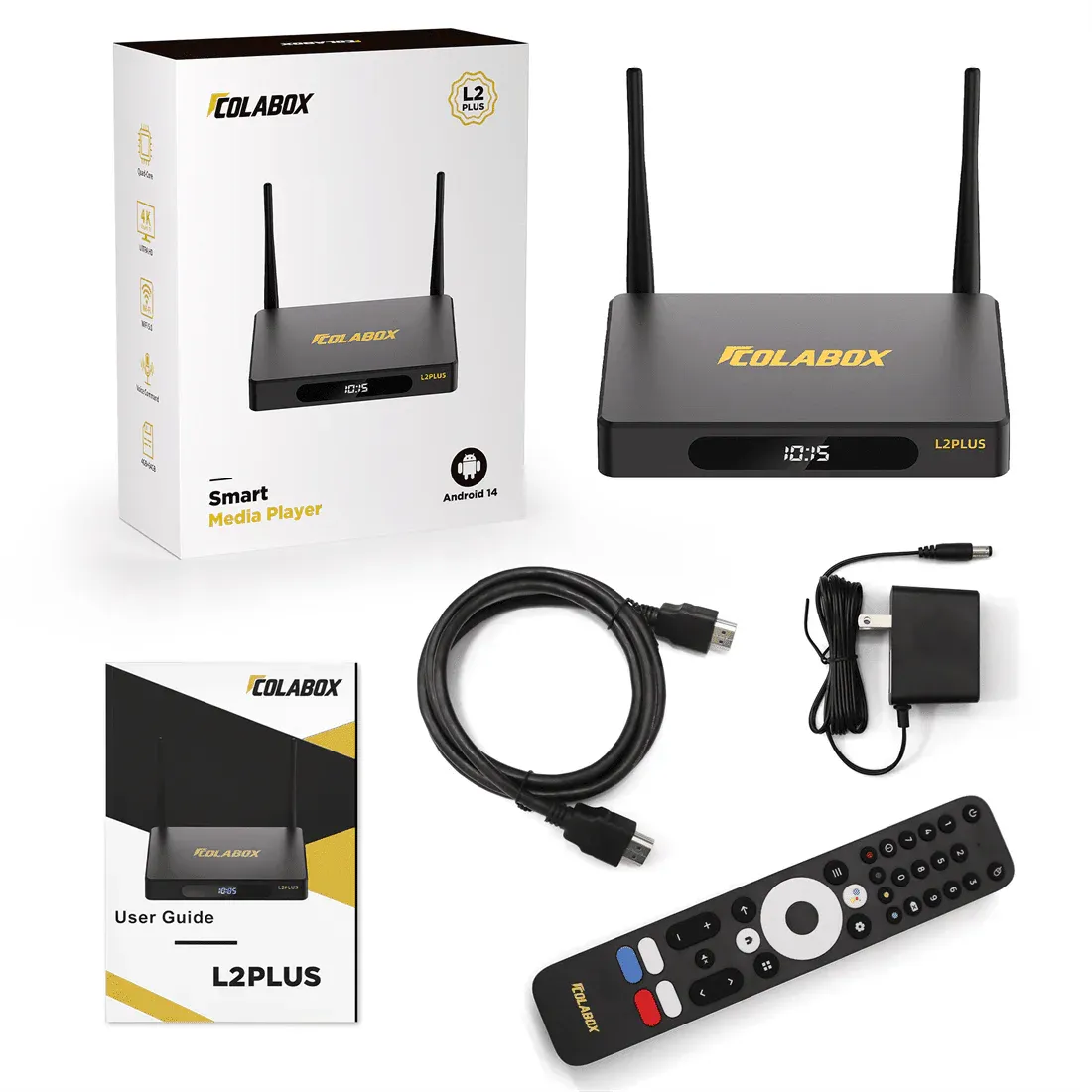
Hardware Build and Expansion
The L2 Plus has a compact footprint that fits on a shelf, inside a cabinet, or behind a TV. The chassis includes multiple USB ports, an optical audio output for connecting to a home theater receiver or soundbar without signal degradation, and the TF card slot for storage expansion. The optical audio output is a feature you do not see on every box in this class, and for anyone with a dedicated audio setup, it is a meaningful addition.
Power runs off a DC 12V/1A adapter (per the product page). The box connects to one TV at a time, per COLABOX's FAQ. If you have two televisions you want to upgrade, you need two units. That is a normal constraint for this product type, but it is worth factoring into the total cost if you are outfitting multiple rooms.
How It Compares to the Obvious Alternatives
The NVIDIA SHIELD TV Pro remains the performance benchmark in the Android TV box category. It runs a Tegra X1+ processor with 3GB RAM and 16GB of storage, and it carries a premium price to match. The L2 Plus trades the SHIELD's raw GPU headroom for significantly more onboard storage and a lower cost of entry. For 4K streaming (as opposed to local 4K gaming or AI upscaling), the gap in day-to-day performance is narrower than the spec sheets suggest.
Against Amazon Fire TV and Roku devices, the L2 Plus's advantage is the open Android ecosystem. Fire TV and Roku both run curated platforms that limit which apps you can install and how you can configure the home screen. Full Google Play access changes the calculus for anyone with a specific app they rely on that those platforms do not carry.
Vetted Verdict
Anyone building a main-TV streaming setup around Google Play will find the Colabox L2 Plus hits the right combination of specs: 64GB of storage removes the constant app management that plagues smaller boxes, Gigabit Ethernet gives wired-connection reliability that Wi-Fi sticks cannot match, and Android 14 means the app ecosystem stays current. The tradeoff is that you are committing to one box per TV and accepting that 4K performance depends on your display, your apps, and your connection quality. If those conditions are in place, this is a straightforward recommendation over most curated-platform alternatives in its class.